

Print the retention report
For a meeting or the accountant, print the retention report by project and by subcontractor, or take the same figures into Excel.
Before you start
Section titled “Before you start”- You need the “See the retention register” and “See subcontract values” permissions.
-
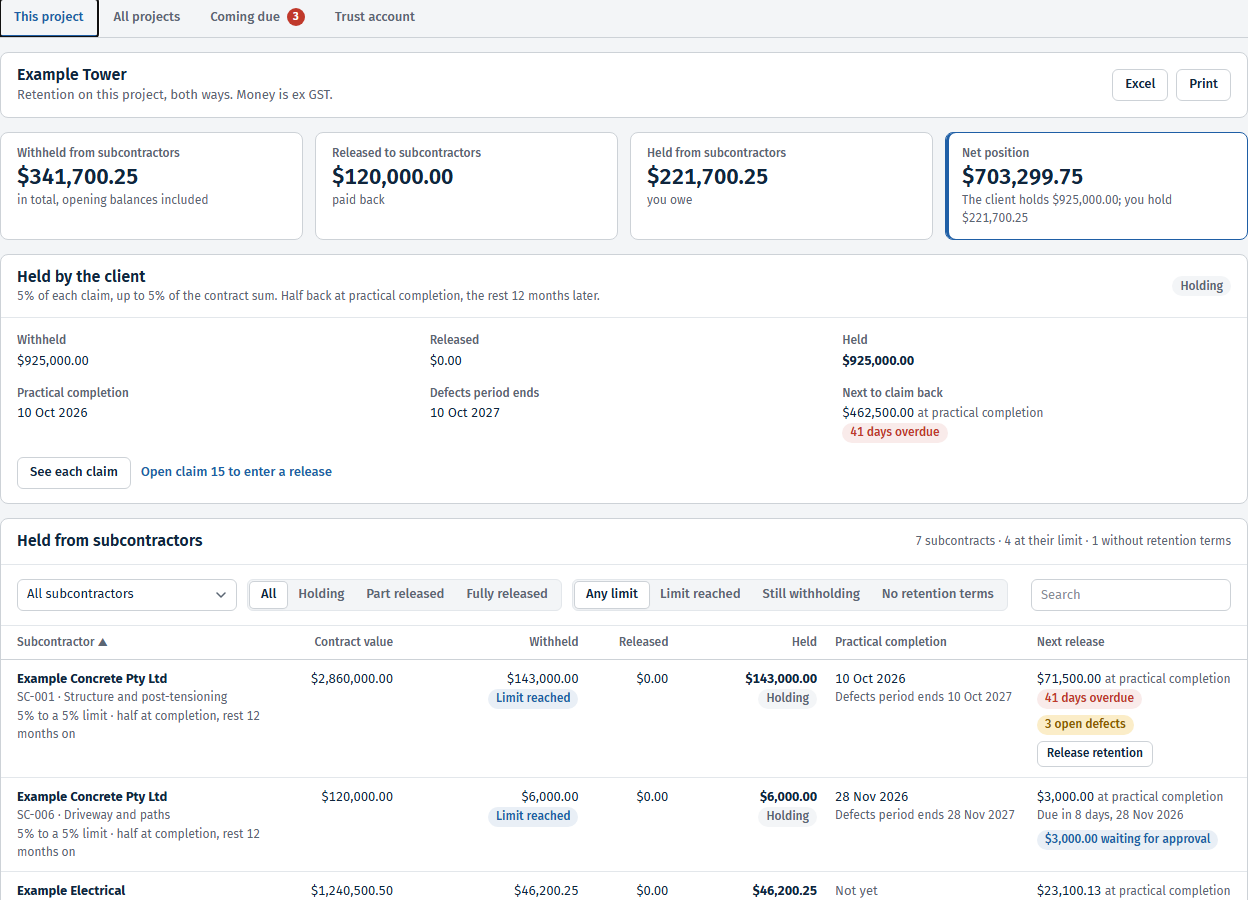
Open Retention Register, then This project for one project, or All projects for every project you can see.
-
Choose Print. The report is laid out and your browser’s print window opens. Print it, or save it as a PDF from there.
-
For a spreadsheet instead, choose Excel. A workbook downloads.
Good to know
Section titled “Good to know”- The report and the workbook hold the projects shown on the tab you are on.
- The workbook includes what was kept by you on terminated subcontracts as its own column.