

Set the days allowed after a release falls due
Your contracts or your state’s rules may give some days to pay retention after it falls due. Set them once for the company, and the register calls a release overdue only after they have passed.
Before you start
Section titled “Before you start”- You need the “Change the retention register’s settings” permission. Nobody but an administrator has it until it is ticked under Users.
-
Open Retention Register and the All projects tab.
-
Choose Settings.
-
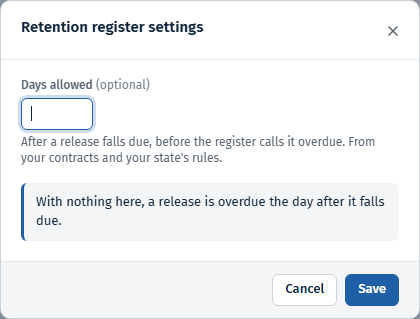
Type the number of days in Days allowed, or leave it empty.
-
Choose Save.
What happens next
Section titled “What happens next”While the days run, a release shows as due with the last day allowed. After that it shows how many days it is overdue, counted from the last day allowed.
Good to know
Section titled “Good to know”- With nothing set, a release is overdue the day after it falls due. No number is filled in for you.
- The setting is for the whole company and both directions.